
I have been using my AI drone, the DJI Neo, for over a month now, and I’d like to share some thoughts for anyone interested in a beginner-friendly drone.
Today, I flew the Neo multiple times using three battery charges. Each battery lasts around 15-18 minutes. Since I only own one battery, I had to return home several times to recharge it before exploring its features further. After extensive testing today, I decided to share my review.
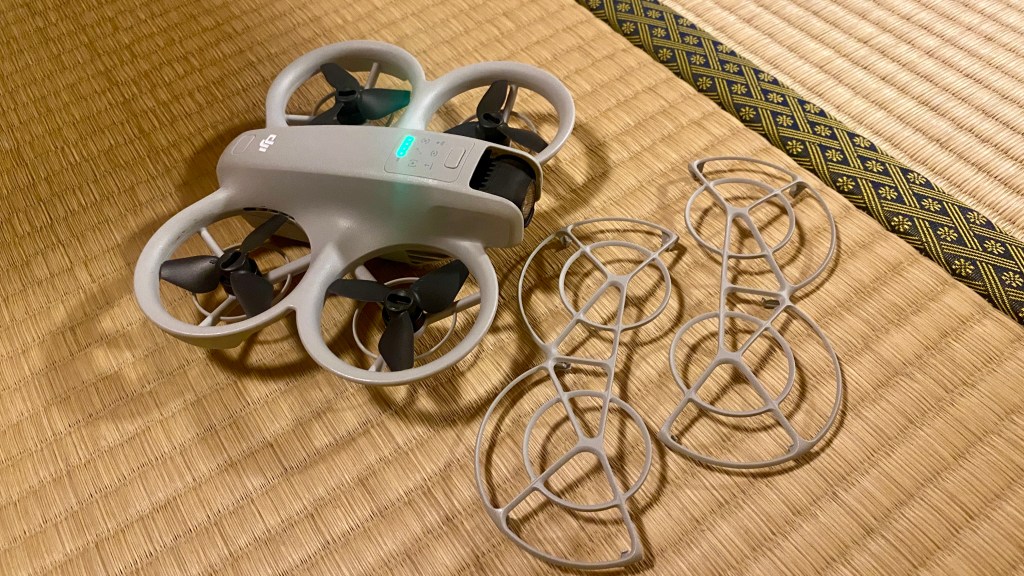
The Neo operates effectively without the need for a remote control or smartphone (DJI Fly app), capturing impressive footage with its AI presets such as Follow, Rocket, Dronie, and Helix. While I won’t discuss all the presets here, numerous videos on YouTube showcase them quite well.
Initially, the Neo served as my introduction to drone piloting. Once I began controlling it via smartphone, the thrill escalated, and I wanted to navigate it more intricately. However, the smartphone controls have a significant limitation: the Wi-Fi signal doesn’t extend beyond 100 meters. This presents a considerable problem, as the Neo disconnects too easily and frequently due to both its limited range and various signal disturbances. I learned this the hard way—having to walk closer to the drone to regain connection just to navigate it safely back. If the Neo disconnects from your smartphone, it simply hovers in the air wherever it lost connection and lacks a Return Home feature when the battery is running low. I suspect many other DJI Neo users who purchased the drone without a remote control will face the same issue.
This connectivity problem led me to invest in a DJI remote, which brings me to another aspect of owning and navigating a DJI Neo. The drone can be purchased as a combo set, which includes two extra batteries, a battery charging station, and the DJI RC-N3 remote control—a controller without a built-in screen. Initially, I hesitated to get the DJI RC-N3 because I wanted to avoid the hassle of setting it up with my smartphone, somewhat defeating the purpose of a quick flight.
Yet, I recently bought the DJI RC2 remote for under 300 Euros. It costs more than the DJI Neo. After losing my first Neo in Lake Davos, I decided to get the DJI Refresh Care 2-year insurance for 40 Euros in case my second Neo experiences issues in the next two years. Even with insurance, the RC2 remote is still pricier than the Neo.
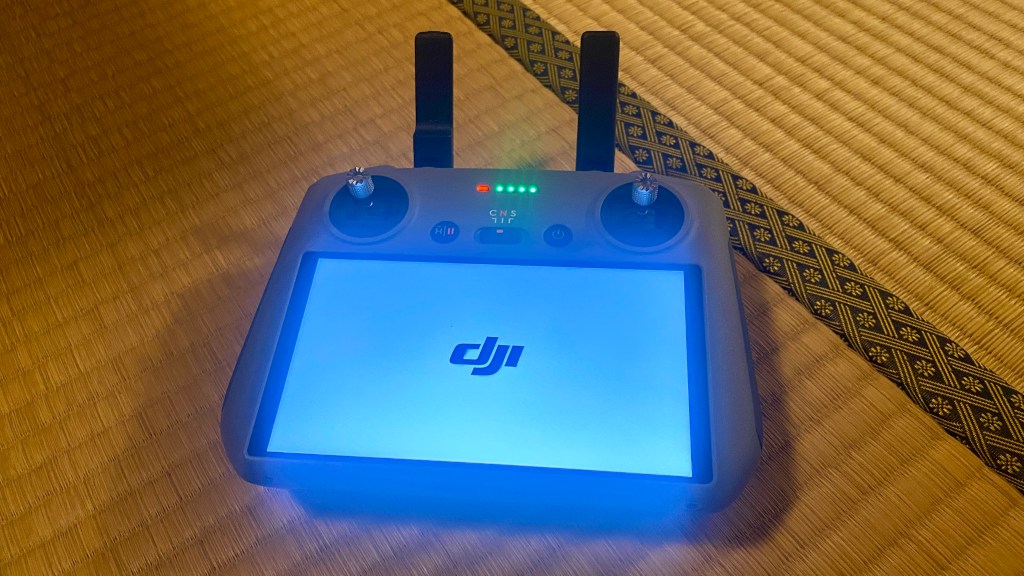
So, why did I opt for the more expensive DJI RC2 remote instead of the much more affordable DJI RC-N3? As mentioned, I wanted to avoid the inconvenience of having to set up the RC-N3 with my smartphone. I don’t regret my decision; the RC2 is incredibly quick to set up, and most importantly, the connection is extremely stable—reaching up to 10 kilometers. Not that I’d ever want to fly my DJI Neo that far; even in sports mode, it wouldn’t make it back in less than 18 minutes.
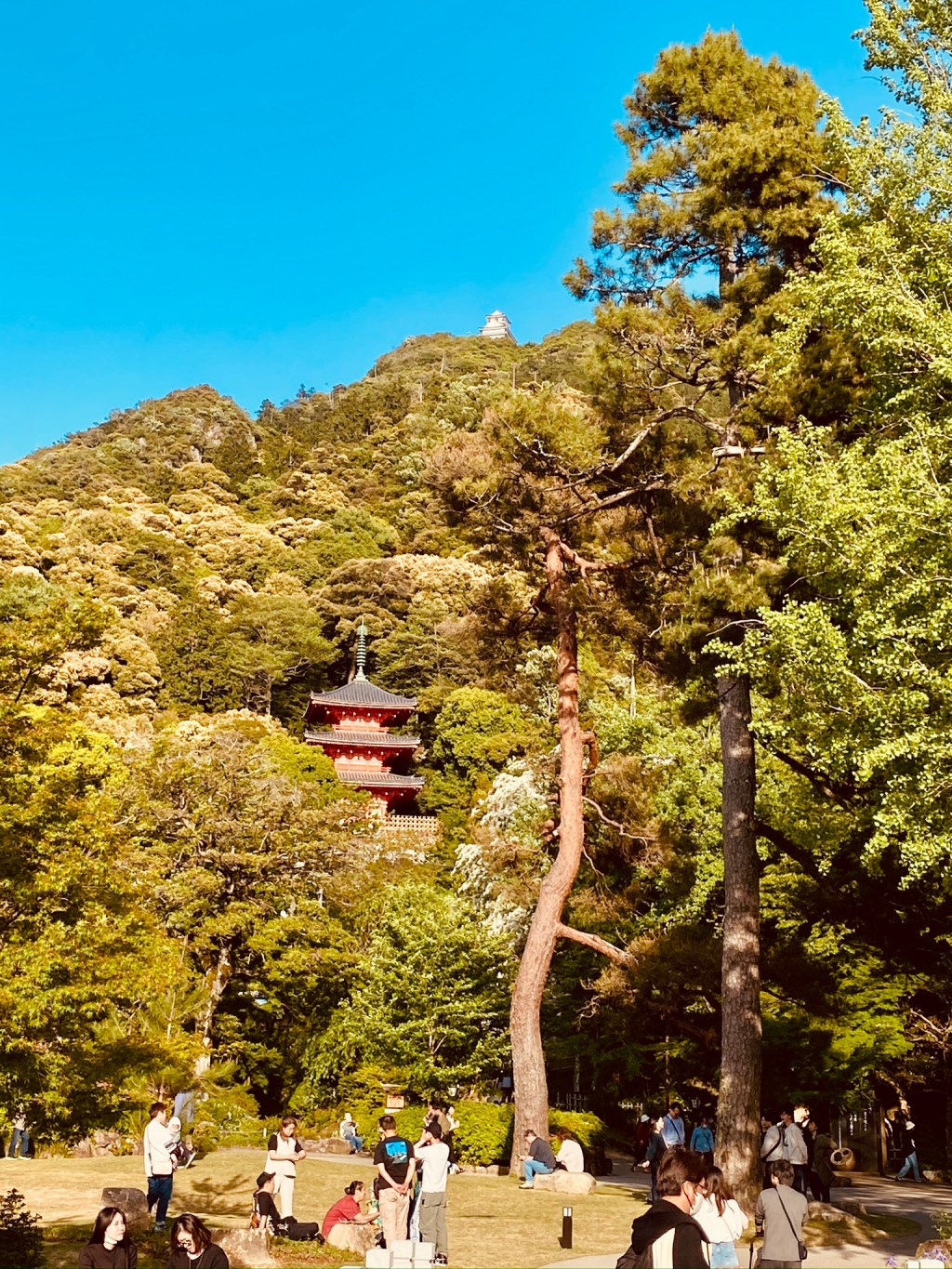
Using the DJI RC2 for a few days has given me peace of mind; the connectivity has been reliable, and the RTH (Return To Home) function is helpful when the battery is low or when I want it to return automatically. The built-in screen is useful for previewing my recordings and making flying easier. On bright days, the Neo’s small white-grey body is hard to spot in the air, but its buzzing sound makes it noticeable. Last weekend, while flying at Mount Kinka, a kid mistook the buzzing for a chainsaw, which made me laugh. The experience of flying over Mount Kinka and the Kiso River was incredible, and using the RC2’s screen felt almost like an out-of-body experience. Flying close to the water was breathtaking, as though I was hovering above it.
Whether using the RC2 or RC-N3 remote controller, flight security is enhanced, and access to video settings unavailable when using the DJI Fly app alone proves crucial. I soon discovered that the default video settings were too sharp right out of the box, so I needed control over the Neo’s ISO and shutter speed settings. These settings are only accessible with the RC2 or RC-N3. While the AI presets produce decent footage for social media, as a videographer, I craved a softer image with motion blur for a more cinematic quality. To achieve this, I purchased ND filters from a third party for another 40 Euros.
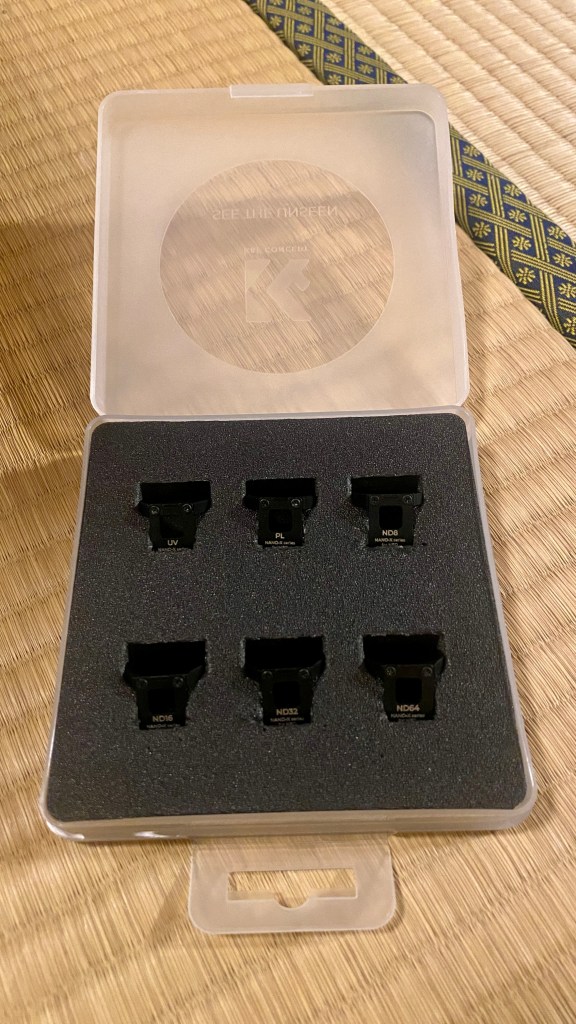
I have spent time adjusting the Neo’s ISO and shutter speed to obtain smooth, clear footage from my flights. After numerous test flights, I’ve achieved great results and plan to showcase these in a new DJI Neo video I’m working on—stay tuned! Additionally, I made a short video featuring footage from the Neo using just the smartphone controls, which I’ll link at the end of this blog post.
So, would I recommend the DJI Neo to someone wanting to dive into drone flying? Ultimately, that decision depends on your preferences and how you wish to utilize the DJI Neo. For those on the fence about purchasing their first drone, I can confidently say acquiring the DJI Neo is a no-brainer, especially at an attractive price point of 200 Euros. The AI features make it incredibly user-friendly. I believe kids will adore it since it’s so easy to operate. Additionally, it’s lightweight (135 grams), and with the included propeller guards, it can withstand many bumps without breaking. The Neo truly is a beginner-friendly drone for everyone. However, be warned: once you master its non-remote-controlled features, you may find yourself enticed to explore the DJI Fly smartphone app as well. That is practically unavoidable; it’s the most convenient way to update the Neo’s firmware.
Once you start your videography journey, you might desire better video settings and a more secure way to navigate. One choice could be the Fly More Combo I mentioned earlier, all for 350 Euros.
Apart from what I’ve mentioned about the DJI Neo, it has more impressive remote control features, including FPV capabilities. I’m practicing FPV piloting in a simulator daily and will cover these features in a future blog post. Feel free to ask if you have questions about my experiences.
#DJINeo #DroneFlying #BeginnerDrones #AIFeatures #DroneVideography #AerialPhotography #DJI #RC2Remote #DronesForKids #FlyingExperience



 Experiences - Life - Inspiration 🇨🇭🇯🇵
Leave a comment